
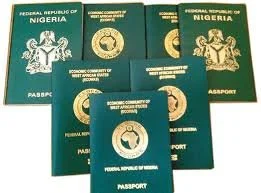
NIGERIA PASSPORT ONLINE REGISTRATION
Overview The Nigerian passport online registration process allows citizens and eligible applicants to apply for a new passport, renew an existing passport, or request passport-related services through the Nigerian Immigration Service (NIS) online portal. The online system streamlines data collection, appointment scheduling, and payment of fees. Applicants must complete registration on the official portal, print required documents, and attend a biometric capture appointment at a passport office or designated centre.
Who should apply online
First-time applicants (new passport)
Passport renewals (expiry or full-page exhaustion)
Lost, stolen, or damaged passport replacements
Data updates (e.g., name change after marriage)
Minors applying for or renewing passports
Requirements and documents General requirements (adult applicants)
Valid form of national identification (National ID card, Driver’s License, or Voter’s Card) if available
Birth certificate or age declaration
Recent passport-sized photographs (specifications provided on the portal)
Proof of address (utility bill, bank statement, or tenancy agreement)
Previous passport (for renewals) if available
Payment method for fees (online payment options vary)
Additional requirements for minors
Birth certificate
Parents’ valid identification
Parental consent form as required by the NIS
Passport of the parent(s) may be required
Special cases
Lost/stolen passports: police report or statutory declaration may be required
Name-change applications: marriage certificate or court affidavit
Dual citizenship or foreign-born applicants: additional supporting documents may be requested
Step-by-step online registration process
Create an account
Visit the official Nigerian Immigration Service online passport application portal.
Register with a valid email address and mobile number.
Verify your account through email if required.
Complete the application form
Log in and choose the passport type (standard 32-page, 64-page, or official/other categories).
Fill in personal details, next-of-kin information, employment details, and travel history where requested.
Upload scanned copies of required supporting documents as specified.
Select appointment and location
Choose a passport office or designated biometric capture center.
Select an available date and time for biometric capture and photo verification.
Pay application fees
Pay the passport fee online via the available payment channels (card, bank transfer, or other options listed on the portal).
Keep proof of payment/receipt.
Print application forms and payment receipts
Print the completed application summary, payment receipt, and any other forms required for the in-person appointment.
Attend biometric appointment
Bring originals of all uploaded documents, printed application summary, and payment receipt.
Arrive on time for biometric data capture, photograph, and interview if required.
Track application status
Use the portal’s tracking feature or provided reference number to monitor processing status.
Processing times vary; expedited options may be available in some cases.
Fees and processing times
Fees depend on passport type (32- or 64-page) and whether processing is standard or expedited.
Processing times vary by location and demand; applicants should consult the portal for current estimates.
Additional administrative fees may apply for replacements, express services, or special requests.
Tips for a smooth application
Ensure all uploaded documents are clear, legible, and in the required file format and size.
Use the exact name format that appears on your birth certificate or national ID.
Double-check appointment details and arrive with original documents.
Keep copies of all receipts and printed application summaries.
For minors, ensure parents or guardians bring identification and sign any required consent forms.
Contact and support
For technical support, document queries, or assistance with the portal, use the contact information provided on the official Nigerian Immigration Service website or visit our office.
If applying from abroad, consult the nearest Nigerian embassy or consulate for specific procedures and appointment locations.
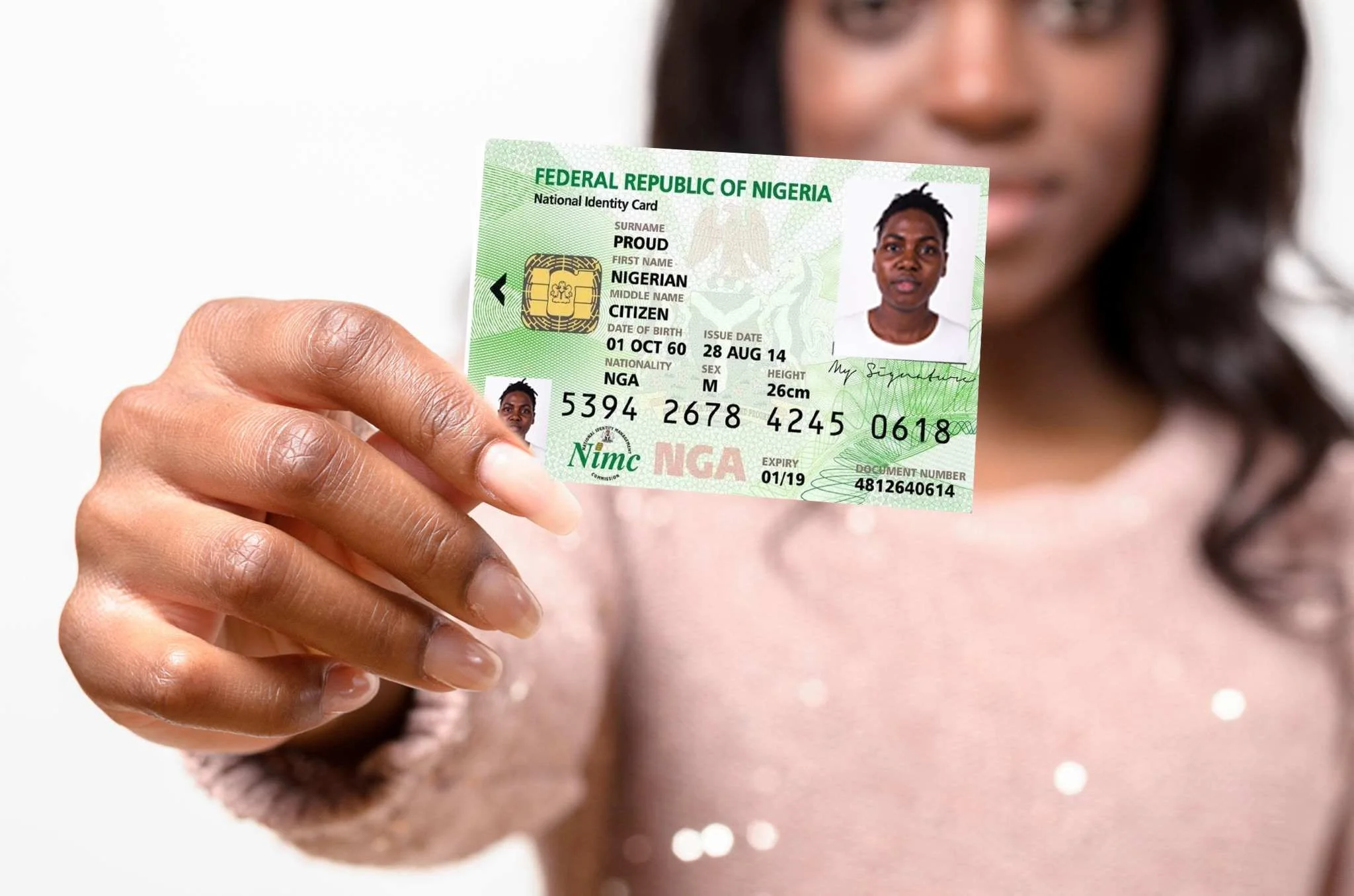
A National Identification Number (NIN) is a unique, government-issued identifier assigned to residents and citizens of a country for the purpose of establishing and verifying identity across public and private services. The NIN serves as a central reference that links an individual’s identity to official records, enabling efficient delivery of benefits, secure access to government and financial services, and improved population management.
Key characteristics
Uniqueness: Each NIN is unique to one individual and is not reassigned.
Permanence: The number is typically assigned for life and remains unchanged even if personal details (name, address) change.
Format: Format varies by country and may include numeric digits, letters, or check digits for error detection.
Issuing authority: A designated government agency (e.g., national registry, civil registration office, or social security administration) issues and manages NINs.
Linkage to records: The NIN connects to demographic data (name, date of birth, sex), biometric data in some systems (fingerprints, facial image), and administrative records (tax, social security, health, education).
Primary uses
Identity verification for government programs, voting, taxation, and social welfare.
Enrollment and authentication in health care, education, and pension systems.
Financial services onboarding (know-your-customer compliance) and fraud prevention.
Law enforcement, immigration control, and civil status verification.
Statistical and planning functions, including population censuses and public service delivery optimization.
Privacy and security considerations
Data protection: NIN systems hold sensitive personal information and require robust legal frameworks and technical safeguards to protect privacy and prevent misuse.
Access controls: Strict policies govern who can access NIN-linked data and for what purposes, accompanied by audit logging.
Minimization: Best practice limits use of the NIN to necessary contexts and advocates for alternatives (e.g., hashed tokens) where exposing the actual number is unnecessary.
Consent and transparency: Individuals should be informed about how their NIN is used and have recourse for correcting errors.
Risk of profiling: Aggregation of records across sectors can increase risks of surveillance and discrimination if not properly regulated.
Benefits and risks
Benefits: Improved service delivery, reduced duplication of records, streamlined administrative processes, stronger identity assurance, and better planning through accurate population data.
Risks: Centralized identifiers can concentrate risk—data breaches, identity theft, unauthorized profiling, exclusion due to incorrect records, and mission creep in usage
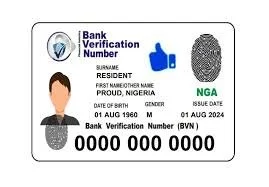
A Bank Verification Number (BVN) is a unique, biometric-based identification number issued to individuals by banks to authenticate and secure their identity across financial institutions. It is primarily used to reduce fraud, improve customer verification, and enable safer banking transactions.
Key features
Unique identifier: A numeric code assigned to an individual that is linked to their bank accounts across participating banks.
Biometric linkage: BVNs are captured and verified using biometric data (typically fingerprint and facial capture), which helps ensure that the number corresponds to a real person.
Single identity across banks: The BVN allows banks to recognize and verify the same customer when they operate accounts at multiple institutions, preventing duplicate or fraudulent account creation.
Centralized registry: BVNs are maintained in a central database managed by the relevant banking authority or central agency, enabling cross-institution verification.
Primary uses
Account opening: Verifying identity and preventing multiple accounts under false identities.
Transaction authentication: Enhancing security for high-value or suspicious transactions by confirming the account holder’s identity.
Fraud prevention and detection: Identifying and blocking accounts tied to fraudulent activity or identity theft.
Regulatory compliance: Assisting banks to meet know-your-customer (KYC) and anti-money laundering (AML) requirements.
Customer service: Simplifying identity verification for account inquiries, password resets, and other service requests.
Security and privacy considerations
Data protection: Biometric and personal data linked to a BVN should be protected by strong encryption, access controls, and strict data retention policies.
Consent and transparency: Customers should be informed about what data is collected, how it will be used, and who can access it.
Limited sharing: BVN data access should be restricted to authorized banking and regulatory entities to reduce misuse.
Dispute and rectification processes: Clear procedures should exist for individuals to report errors, contest fraudulent use, or update biometric information.
Limitations and risks
Biometric failure: Biometric sensors may fail to recognize legitimate users due to injuries, aging, or poor-quality captures, necessitating fallback verification methods.
Centralized target: A central BVN database can be an attractive target for attackers; breaches can have broad consequences.
Exclusion risk: People without access to registration channels or whose biometrics are difficult to capture may face exclusion from financial services if alternatives are not provided.
Legal and ethical concerns: Collecting biometric data raises privacy and human-rights considerations; legal frameworks and oversight are important.
Implementation best practices
Multi-factor verification: Use BVN alongside PINs, one-time passwords, and transaction monitoring for layered security.
Robust enrollment: Ensure high-quality biometric capture and identity document verification at enrollment to minimize errors.
Privacy-by-design: Limit stored data, enforce retention schedules, and apply strong encryption and logging for all access to BVN records.
Customer support: Provide accessible avenues to resolve disputes, correct errors, and re-enroll where necessary.
Regular audits: Conduct security and compliance audits of the BVN system and its operators.
Summary A Bank Verification Number is a centralized, biometric-linked identifier that strengthens identity verification, reduces fraud, and supports regulatory compliance across financial institutions. Effective use requires careful attention to data security, privacy protections, inclusive enrollment practices, and transparent customer rights.
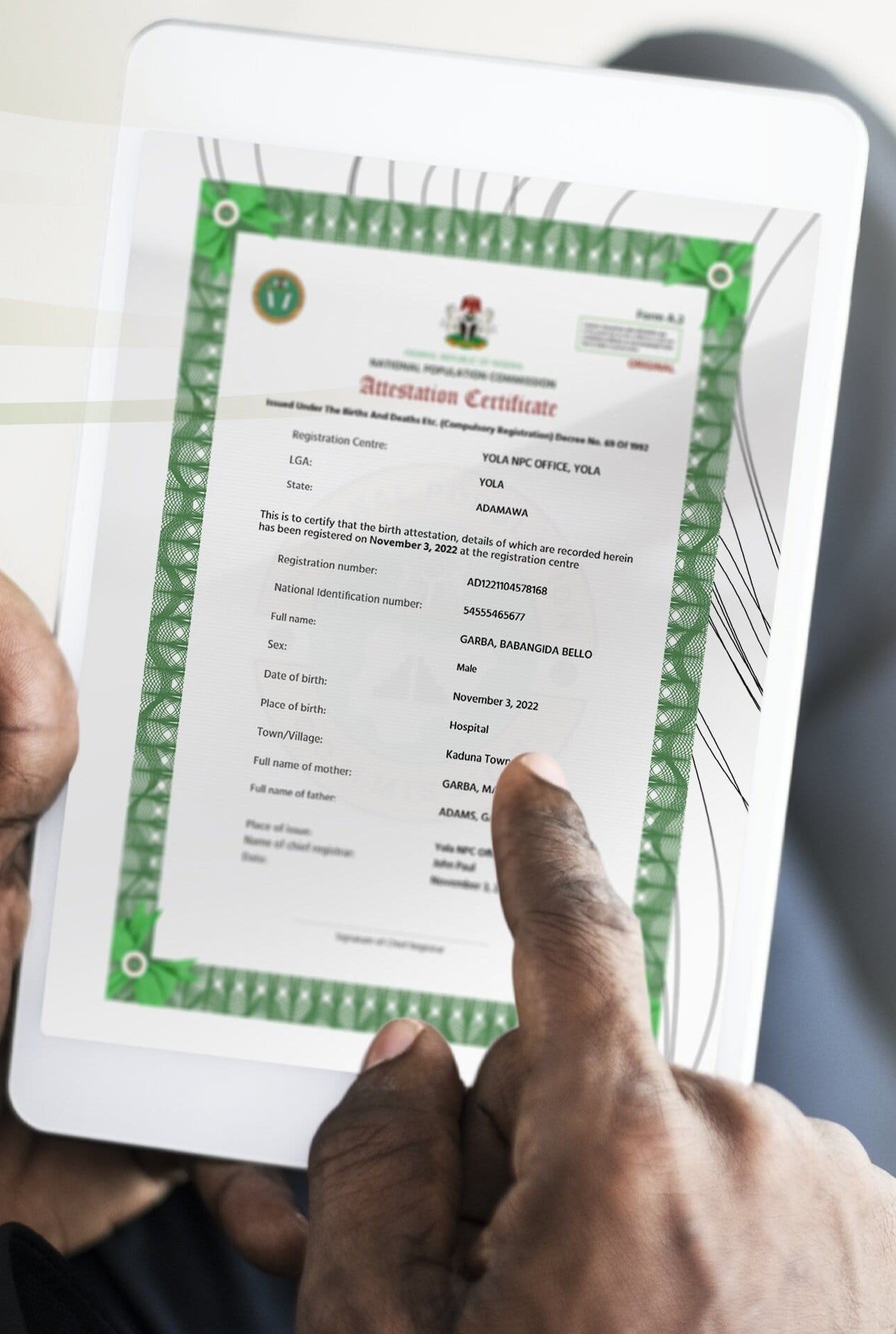
The NATIONAL POPULATION COMMISSION DIGITAL Certificate is now COMPULSORY for NIN Registration.
Your NPC Birth Attestation (Adults) – COMPULSORY
Your NPC Birth Registration / Foreign Birth Notification – COMPULSORY
Visit the National Population Commission Website >> Services for more Information.
For Children under 16 years, PLEASE CALL the Centre BEFORE booking.
For the BEST NIN Picture quality, please consider wearing a BRIGHT TOP.
Ensure you have the DIGITAL NPC Certificate & Other Required Documents ready before attending the Enrollment Centres.
Please READ CAREFULLY, UNDERSTAND, and ENSURE you book the correct Service. WE DO NOT OFFER REFUNDS ONCE YOU CONFIRM THE DETAILS AND BIOMETRICS ARE TAKEN AND SUBMITTED.
Contact Us
Interested in working together? Fill out some info and we will be in touch shortly. We can’t wait to hear from you!